Initial Setup
After successfully installing the software, some basic settings must be made to adapt the application to your specific requirements. Follow these steps for the initial setup:
1. Starting the software
- Open the software via the desktop icon or the start menu.
- Log in with the Admin user.
💡
Default password for admin user is: admin
💡
Default password for normal users is: user
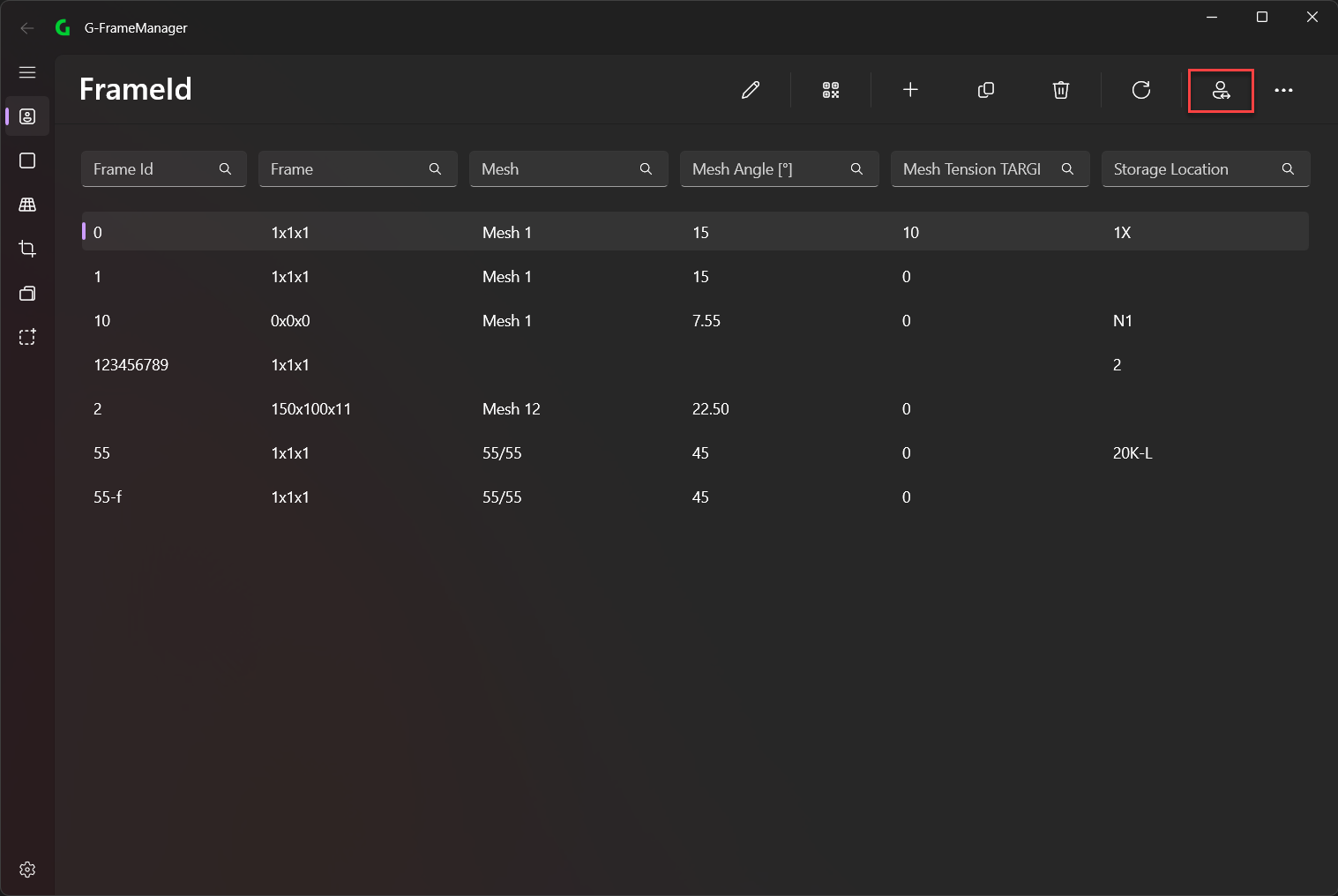
2. Change Machine Settings
- Go to Settings -> Machine
- Configure the machine settings